
Google is an eternal part of our lives now, and it provides a lot more than we could ask for. You know some parts of Google, and you use some tools and benefits of google, but there is a lot more underneath the surface that you may not be aware of. There are many excellent tools and services from google for various purposes, and they are almost unknown by the mass. To be more specific, there are some excellent tools provided by Google that are related to graphic design and web development. There are various tools from Google that can help you make your website, software, and applications more efficient and seamless.
Google Tools are entirely reliable and designed with globally accepted technicalities and features. With these Google tools, you can check your designs. You can do real-time editing, perform JavaScript debugging, and measure performance standards. They not only help you to improve your existing web apps, but they also help you to create different websites, applications, and many more things from scratch. In this roundup, we have created a helpful list of 8 good google design and development tools that you should consider to make your designs better.
1. PageSpeed Insights:
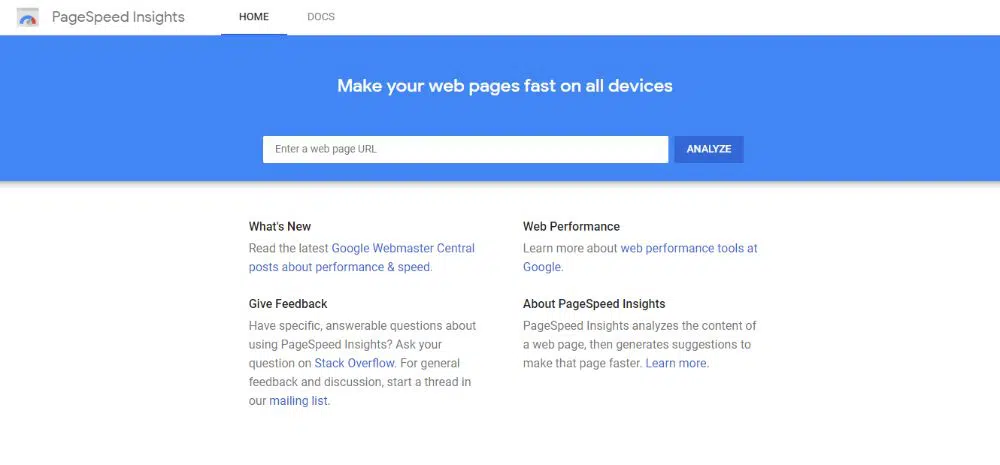
PageSpeed Insights is a speed measuring tool by google for websites. This tool helps you to know your website’s speed on the Desktop as well as on mobile. Along with speed PageSpeed tool also provides suggestions to improve your website. Lighthouse powers this tool, and it provides two types of data: lab and field data. PageSpeed provides you various kinds of information about the overall performance of your website. Different sections like speed score, field data, lab data, opportunities, diagnostics, and passed audits help you understand the website’s issues and how you can improve them.
Your website performance is the most significant factor in your ranking on SERPs, and that is why PageSpeed Insights helps you a lot to understand your website and work accordingly to get the highest ranking. Your website’s speed on Desktop and mobile can be different, and you might not be aware of any general issues. PageSpeed Insights by Google provide you complete information about your website’s speed and performance on Desktop and mobile so that you can improve your SEO as well.
2. AMP on Google:
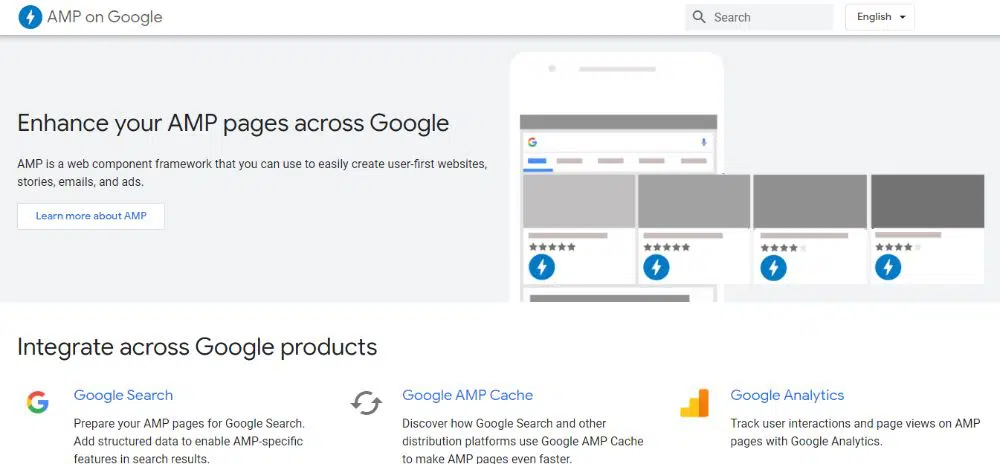
Google AMP is an open-source framework designed by Google to help developers create mobile-optimized content that loads instantly and provides a seamless experience. How well your website is performing on Desktop and mobile determines lots of things. Informative graphics, essential images, and engaging videos can make your website slow on mobile devices. And to eliminate this issue, Google has developed this tool. AMP-HTML is nothing but a combination of AMP HTML, AML Js library, and Google AMP cache.
It is like a regular HTML with some simplifications and restrictions to create lightweight contents that can provide an ideal user experience on mobile devices. Any website or content creator who requires multiple changes and updates on his platform should use this tool. A news website or an eCommerce website can quickly create an end number of lightweight and quick loading content from this too. An end number of developers use Google AMP from many well-known eCommerce websites, and they are utilizing this tool for their daily needs.
3. Firebase:
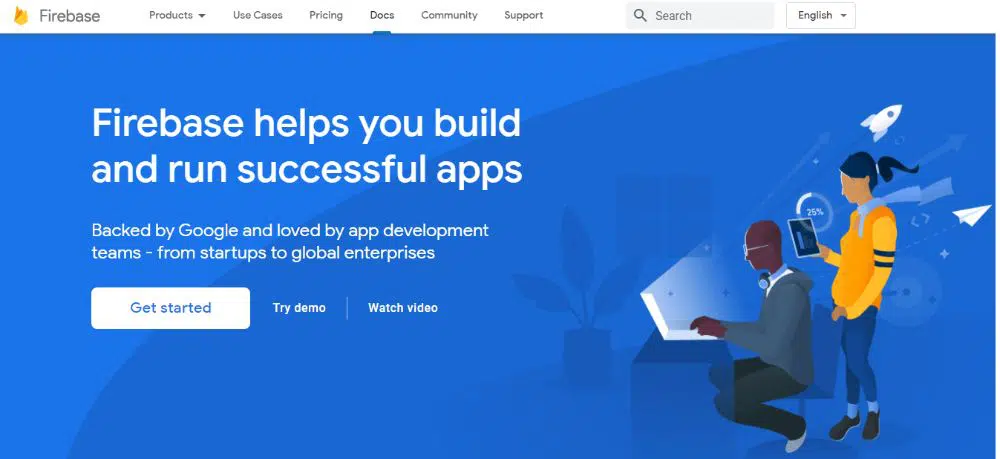 Firebase is a tool that helps you to build, develop, and grow your app or website. With this tool, a developer can save himself from lots of time-consuming activities such as authentication, databases, configuration, analytics, file storage, push messaging, etc. and focus more on an experienced part of the app. Firebase Hosting provides you a reliable, secure, and fast way to host your app’s HTML, JavaScripts, Media files, CSS, etc. To use this tool, you need to follow three simple steps.
First, you need to install the Firebase CIL, then secondly, you need to initialize your project, and during that initialization, you have to follow three more steps. Select a firebase project to connect to your local project directory, then specify a directory to use as your public root directory and choose a configuration for your site. And in the end, you can deploy your site. Firebase tool is a simple one-stop solution to save yourself from all the typical hassles and work on your core requirements.
4. Progressive Web Apps (PWAs):
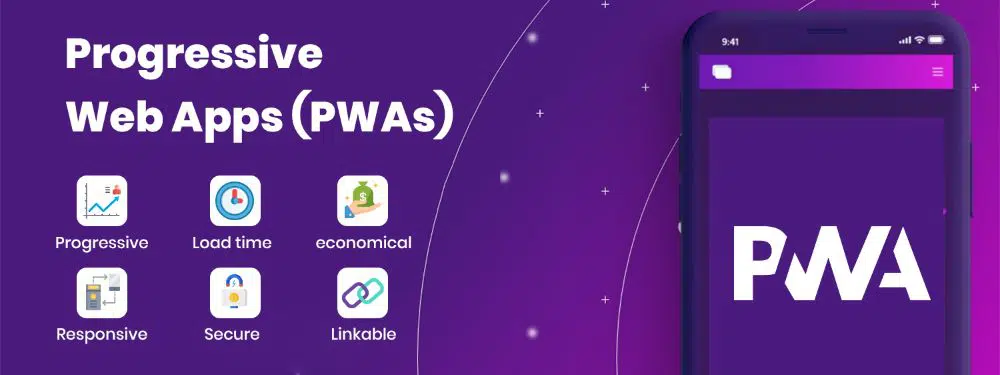
Progressive Web Apps or PWAs are applications built from widely used web technologies such as HTML, JavaScripts, and CSS but their look and functionality are just like the native apps. You can turn any of your websites into PWA with the help of some tools.
This means PWAs are relatively easy to build than the original native apps. The primary benefit of building your web app by keeping PWA in mind is that it will provide devices and browsers’ flexibility. Some of the great benefits of using PWAs are that you don’t have to build apps for different browsers, you can build them with standard web technology, they are smooth and easy to use, and they are often cheaper options well. Anybody can use your app from any device and any browser with simple login access.
Due to this technology’s flexibility and broader approach, many well-known brands use Progressive Web Apps like Twitter, Starbucks, Uber, etc. So as per your audience, your company’s nature, your consumer’s behavior, and your end purpose, you can decide whether to go for PWAs or not.
5. Android Instant Apps:
Android Instant Apps are nothing but a simple trial version of the native apps. Android Instant App allows anyone to access the app’s cloud version on any android device without installing it from Playstore. Users can get an experience of the app or game without any need of downloading and installing. This approach is very revolutionary in the web and app development world.
With this, users can skip all the steps of searching, downloading, installing, registering, etc., and directly have the real app experience. Android Instant Apps are focusing on increasing user satisfaction on the Play Store by providing them real app experience before they download and install. Users’ trust in PlayStore and the developers can quickly grow. The primary purpose of providing Instant Apps is to attract more attention and generate more installs by providing a little live demo of an app or game. It is an advantageous technique for the users and developers since it allows more flexibility for both parties.
6. Google App Maker:
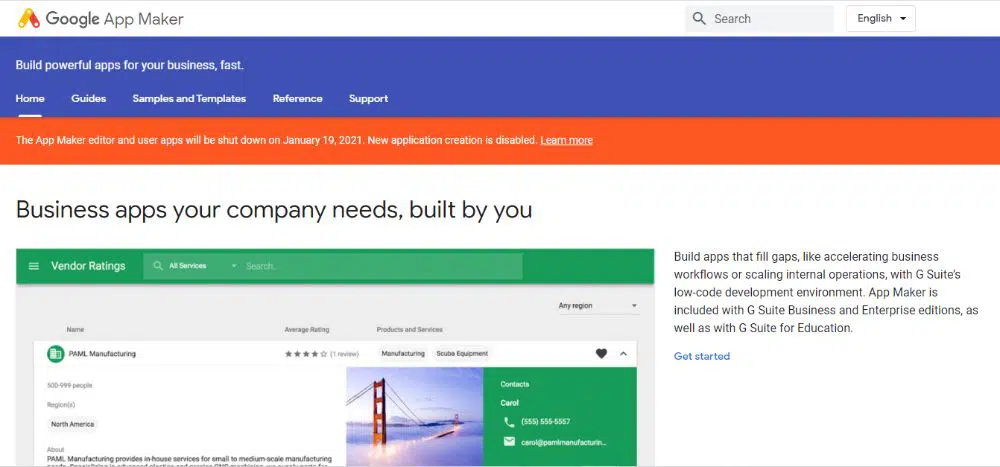
Google App Maker is an app development software created by Google. This helps developers to create their app within a couple of minutes. It includes three performance levels: basic, advanced, and expert. With this tool, you can easily create your app with simple coding techniques and that too within a short period. Google App maker provides flexibility, customization, and effortless solutions to developers from a beginner level to an expert level.
It comes with drag and drops features and several templates so that users can have a hassle-free experience of creating apps of their requirements. Suppose you want to create a simple app with available customizations from this tool. In that case, you don’t require much expertise in this because it is designed by considering all kinds of users and their respective levels of advancement in mind. Google App Maker is more than just developing, publishing, and organizing business apps. This tool is so supportive and comfortable that every developer can understand all its features and functionalities and excel in this within a short period.
7. Google Map API:
 Essential functions that Google Map API performs are, it returns the data about places and location through JavaScripts, and it can make the maps appear for the users. Map APIs are a potent tool because they are a combination of multiple APIs, making them even more memorable. Google Map API allows app developers and designers to customize and style their maps with markers, lines, colors, polygons, and images to provide a better user experience.
Wherever you are operating your business from, Google has reliable information about the world map with all the possible details. Through Map API, you can decide how you want to project your business address and location to your customers on Google Maps. You can add your google map to your website to simplify the overall experience for the audience.
8. Material Design:
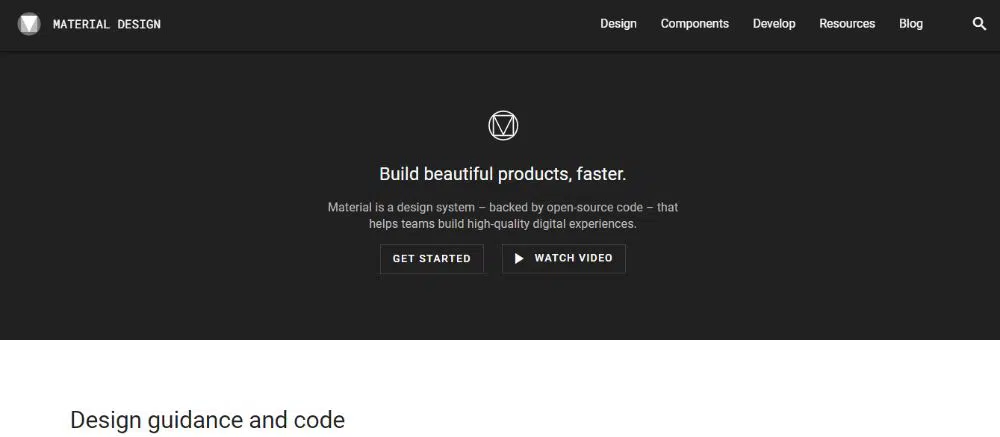 Material Design is a design language created by Google to help designers create high-quality and visually appealing websites and apps for their users. Material design is inspired by real-world elements like lights, shapes, and shadows. This tool provides beneficial guidance to develop an app for android, IOS, and the web. It has all the components that you need to design your website.
From shapes, graphics, and animation, you can add everything to your preferences and create a visually attractive and user-friendly website. In Material Design, you can find a wide range of different colors, icons, design layouts, typographic, design animations, etc., to make use of the Material Design in your web app. You need to include material design CSS and JS files, and then you can download it from material design lite.
Conclusion:
Google is a lot more than just a search engine, and it is expanding its horizon in almost every sector. Web or application development can be a very tedious job. You might have to deal with lots of pressure and workload. It is not easy to develop a project that is efficient, smooth, user-friendly, and presentable within a given timeline. And these tools from Google are designed to help professionals like you. They are widely used by all designers and developers worldwide to make their process advanced and technology-friendly.
We have tried to cover all the essential and globally appreciated tools to help you with your project. Another benefit of using these google tools and resources is that you know all the codes would function well on the google chrome browser, a highly used browser around the world. And no matter where you are functioning from, where is your audience is located. What are the affecting geographical factors? Everything can be controlled and erased by Google Designing and Development tools. So we hope that after understanding each tool from the above list, you are all set to utilize them in your next project.

